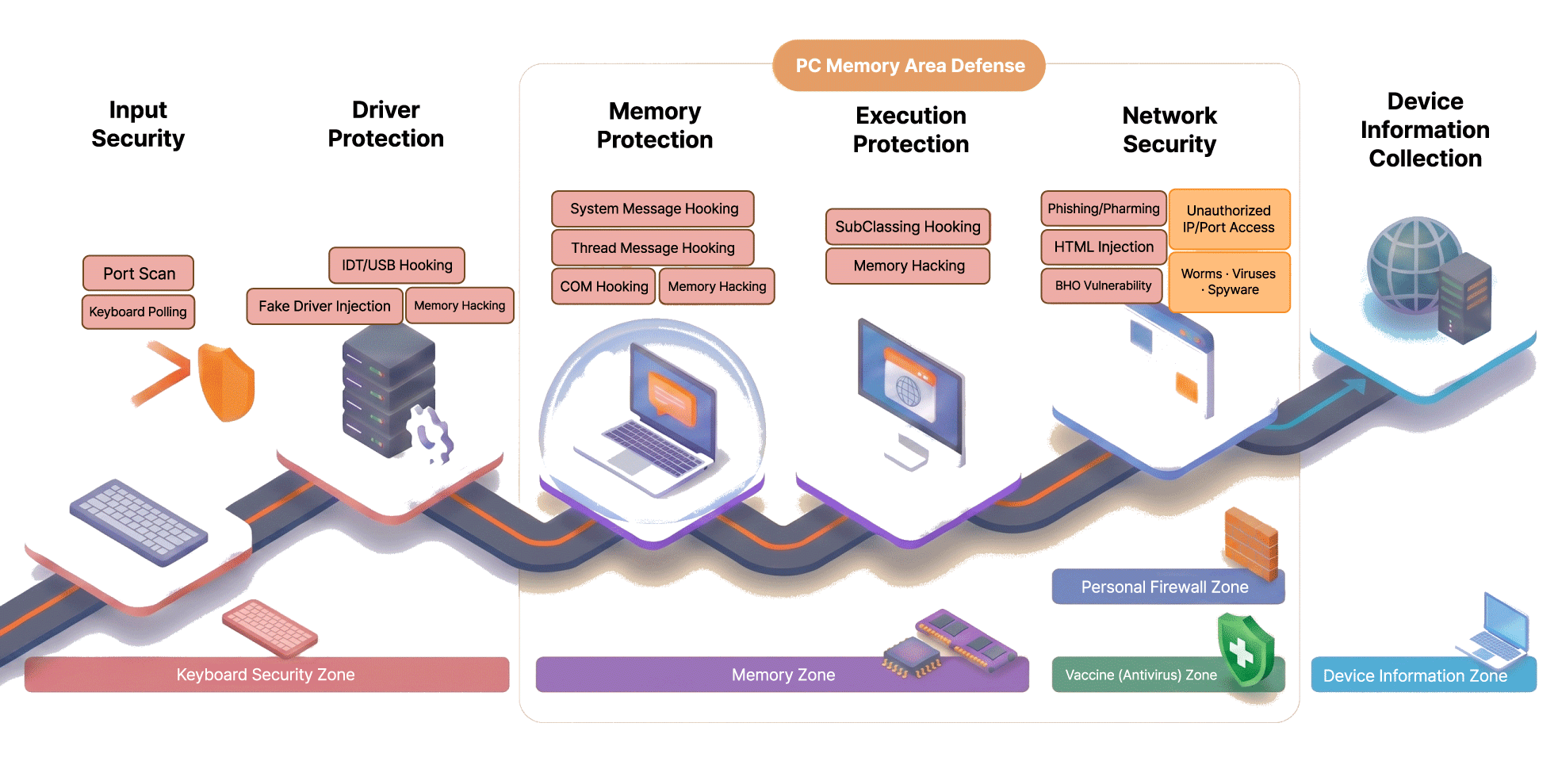
It is an integrated online security product that prevents user PC information leaks, keyboard hacking, and financial accidents. (Personal PC firewall/antivirus, keyboard security)
An integrated online security service that prevents information leakage, keyboard hacking, and financial accidents on the user's PC.
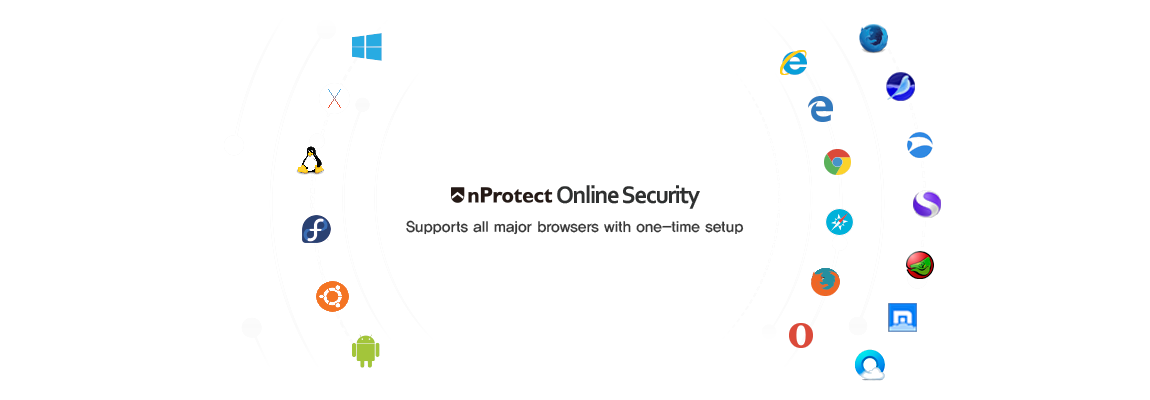
Integrated online security services, including keyboard security, malware detection, and network protection, protect users' information assets and prevent financial accidents. It supports various operating systems and web browser environments, allowing you to use safe web services anytime, anywhere.
Rationale for introduction
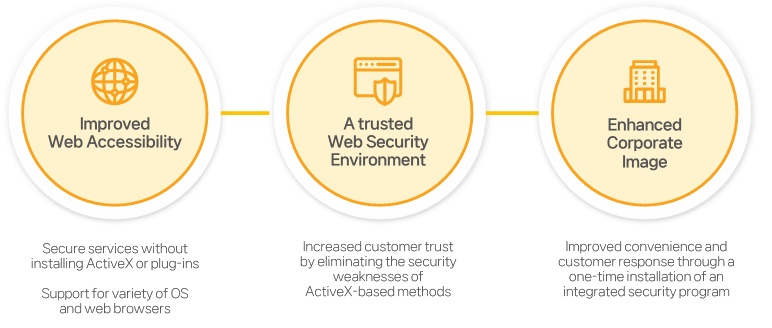
Online It supports safe use of web services and increases customer trust by responding to multi-layered security elements that may arise when using public or financial services through a PC.
Key Features
Key Features
01
Keyboard Security
At the Public Procurement Service's Digital Service Mall nProtect Online Security Keyboard Security Meet the product.
Keyboard Security for basic browsers (Product identification number 22968634)>> View details
Keyboard Security For multi-browser (Product identification number 22968635)>> View details
Keyboard security itself E2E (Product identification number 22927063)>> View details
Keyboard Security for macOS (Product identification number 23003831)>> View details
01
Keyboard Security
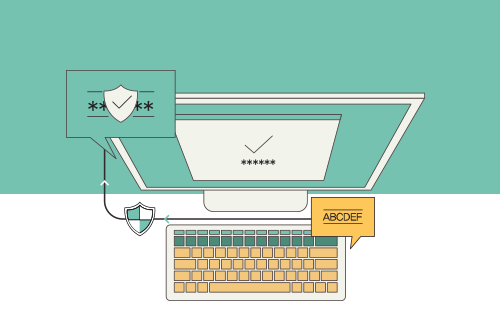
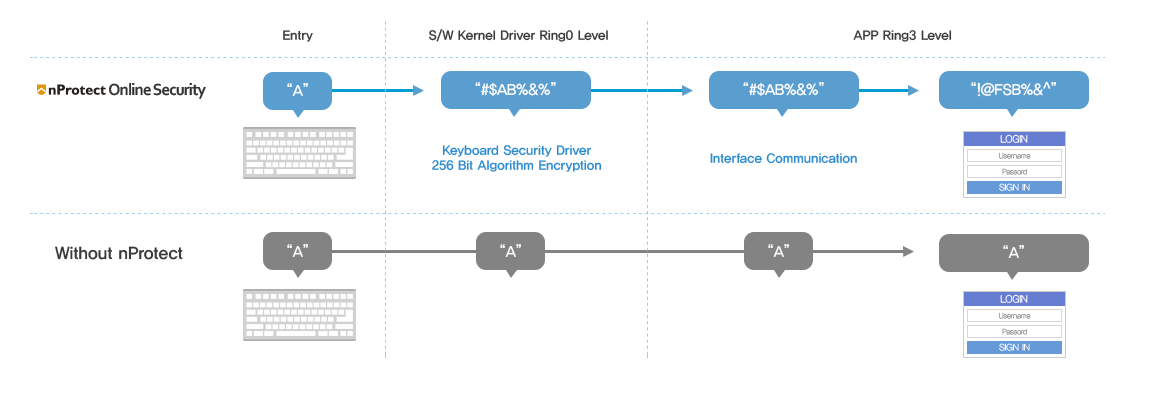
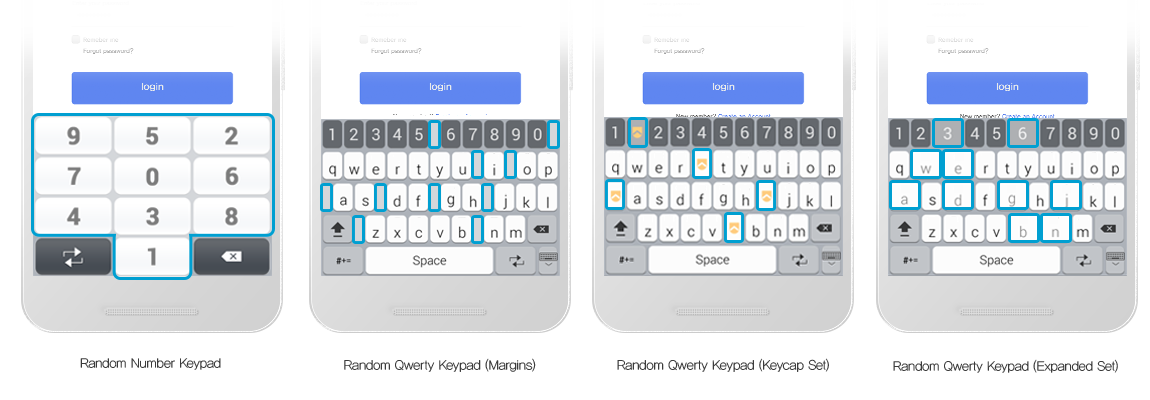
All information entered through the keyboard is encrypted in real time to block keyboard hacking and safely protect user personal information.
Real-time key input encryption/decryption
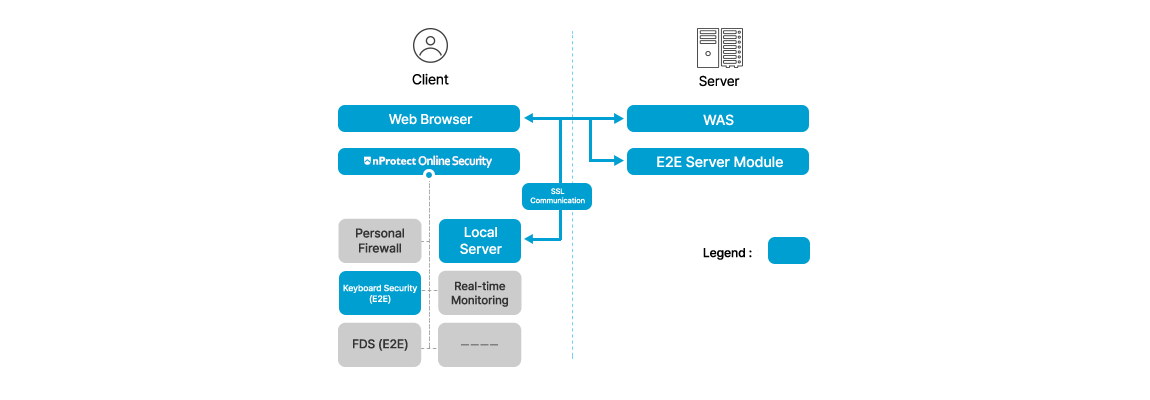
Expanded Supports E2E encryption
Detect and block system kernel level keylogger
BHO, prevents keylogging for Windows message layer
Supports various keyboard types such as PS/2, USB, Bluetooth, and infrared ports
02
Real-time key input encryption
Encrypts keyboard input information in real time at the system and user levels to prevent malicious attacks through keylogging, memory hacking, and spyware.
03
Extended E2E Encryption
Supports extended E2E encryption that protects all sections from keyboard input to server data transmission, and keyboard input values are only stored on the server. It is decrypted.
04
Virtual keypad
If the user environment is virtual or physical keyboard security support is difficult, the virtual keypad is automatically applied.
02
Personal PC firewall
At the Public Procurement Service's Digital Service Mall nProtect Online Security Personal PC firewall Meet the product.
Personal PC firewall for basic browser (Product identification number 23003829)>> View details
Personal PC firewall for multi-browser (Product identification number 23003828)>> View details
01
Anti-virus/spyware
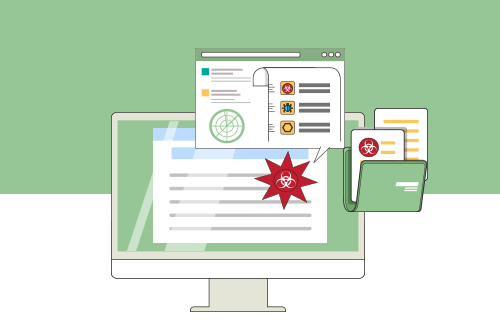
It detects and blocks malware quickly and accurately based on anti-virus technology developed by INCA Internet.
Integrated inspection of malware such as viruses, spyware, adware, etc.
Analysis of various file formats and detection of variant malware
Boot, execution process and multiple compressed file inspection
Automatic Support treatment function
02
Firewall
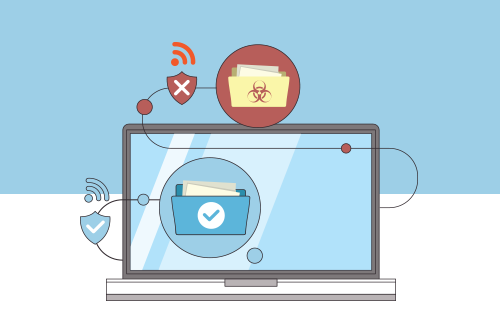
Blocks hacking attacks and malicious codes flowing into the network, and improves user PC security by blocking and managing illegal access to IP/Port.
Network real-time protection against hacking Prevention
Shared folder monitoring and access management
Execution detection and notification of external communication program
Detection of illegal access through IP/Port monitoring
03
Memory protection
Protects memory information, including processes and DLLs, at the system kernel level and blocks memory access and writing by unauthorized processes.
Detection and blocking of debugging programs
Prevents forced termination of processes
File and registry forgery and alteration Block
Access blocking using vulnerabilities in API functions
04
Anti-phishing/pharming
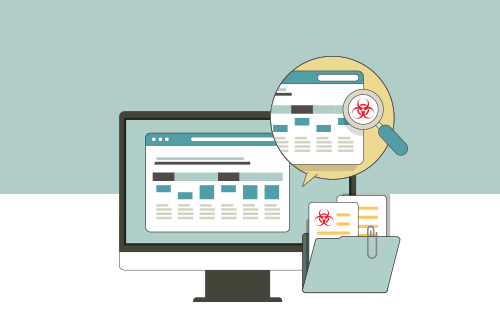
Prevents users' important personal information from being leaked by preventing pharming attacks that can occur due to phishing sites impersonating financial institutions and Hosts file modification.
Blacklist-based phishing site Blocking
Detection of Windows Hosts file modification
05
Other features
In addition, user information is safely protected with various security features.
Prevention of screen capture
Provision of e-commerce user terminal hardware information
Provide user information statistics page
Real-time, regular and emergency updates
Key Benefits
Key Benefits
Leverage web standard technologies
We provide safe and convenient online services by improving non-standard technologies by utilizing web standard technology.
Non-standard technology
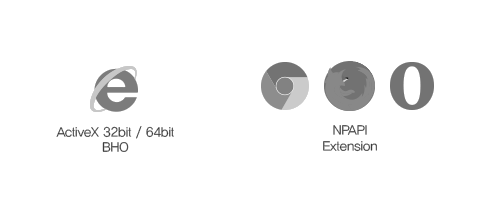
Problems occur due to different plug-in installation requirements for each browser
Web standard technology
Installation method using HTML standard
Support for various operating systems and web browsers
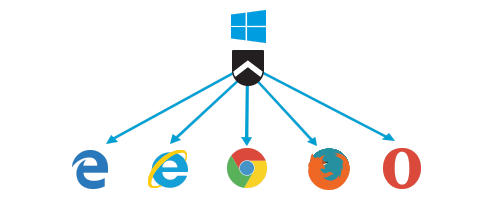
Supports a variety of operating systems and web browsers, and runs on various web browsers with just one installation.