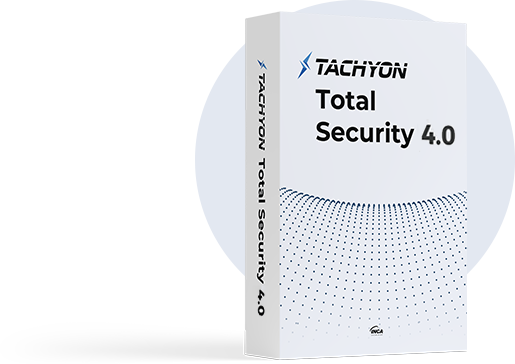
Powerful anti-virus technology blocks various cyber threats, including malware, spyware, and ransomware.
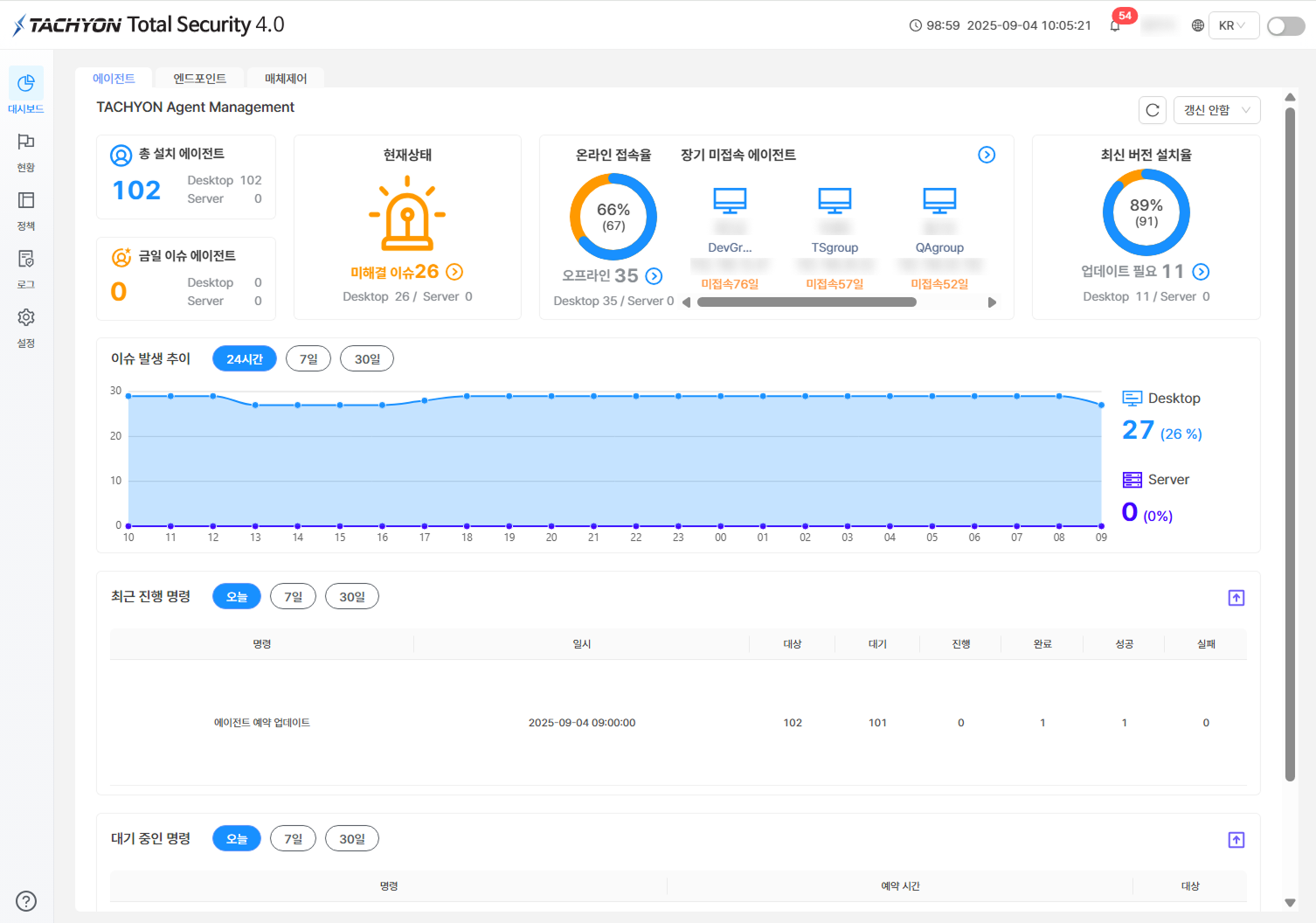
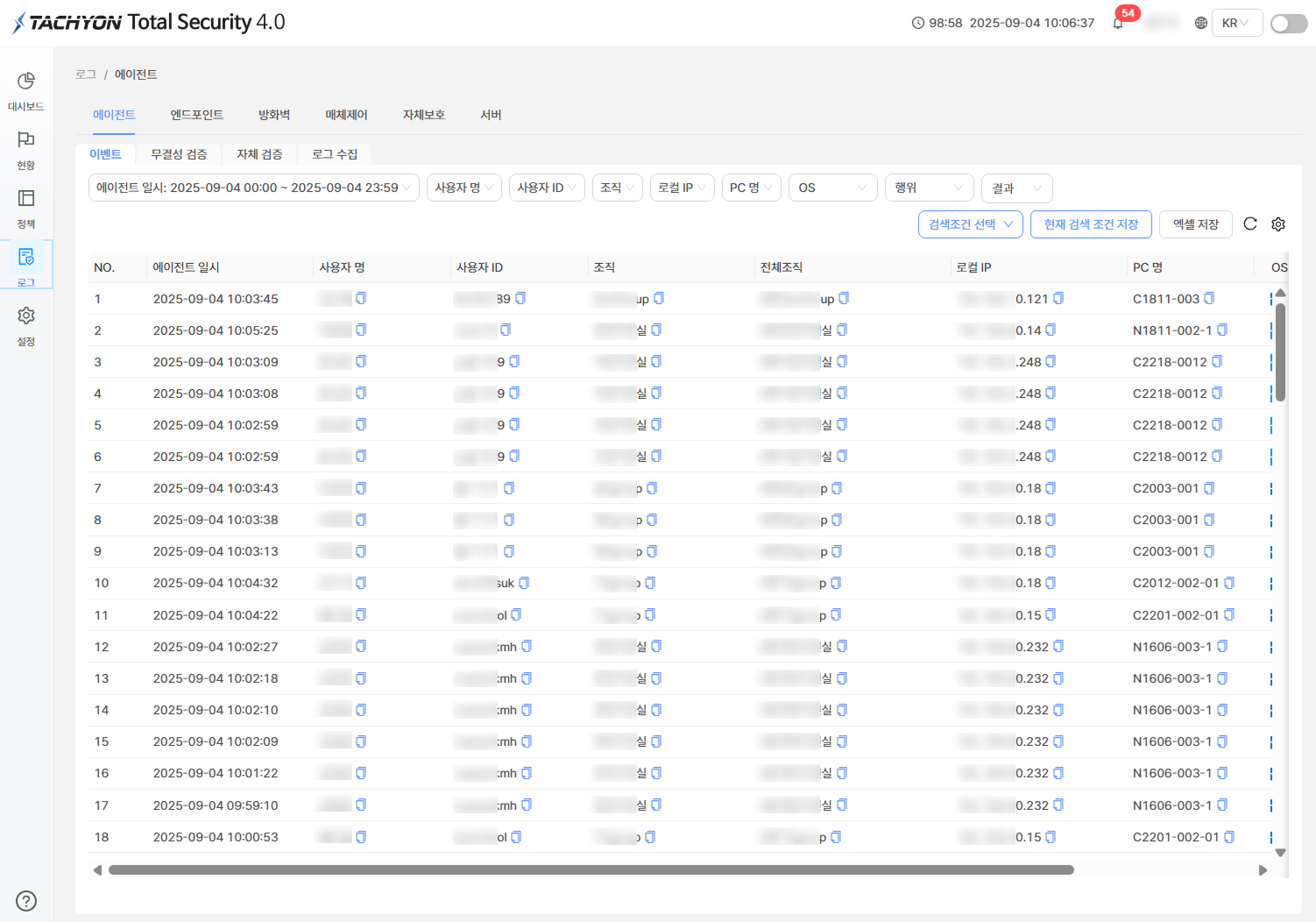
TACHYON Total Securitymonitors the security status of various PCs and servers within the company in real time, Proactive quarantine and security policy management against hacking attacks and ransomware coming from outside. Can be done efficiently This is a centrally managed endpoint security product.
GS certification level 1 (Korea Information and Communication Technology Association)
GS certification acquisition date: 2025-03-06
Key Features
Key Features
Central management
TACHYON Endpoint Security and TACHYON Server Security are configured with a central management server and agent to centrally manage endpoint security policies in real time.
Monitoring
Provides malware infection status, agent access status, agent operation status, security center index, etc. through real-time monitoring function
Provides server operation status such as CPU, HDD, and memory usage.
Security management
The server provides blocking management functions such as hacking attacks and malware through an agent installed on the user's PC.
Logs and statistics
Agent operation status and statistical report functions, such as malware diagnosis/treatment status, malware infection file diagnosis/treatment status, and behavior-based detection history
Layering
At the top-level domain Sub-domain node management and policy management function
Anti-Malware
Provides signature-based detection, behavior-based detection, ransomware blocking, MBR protection, and PC optimization management functions
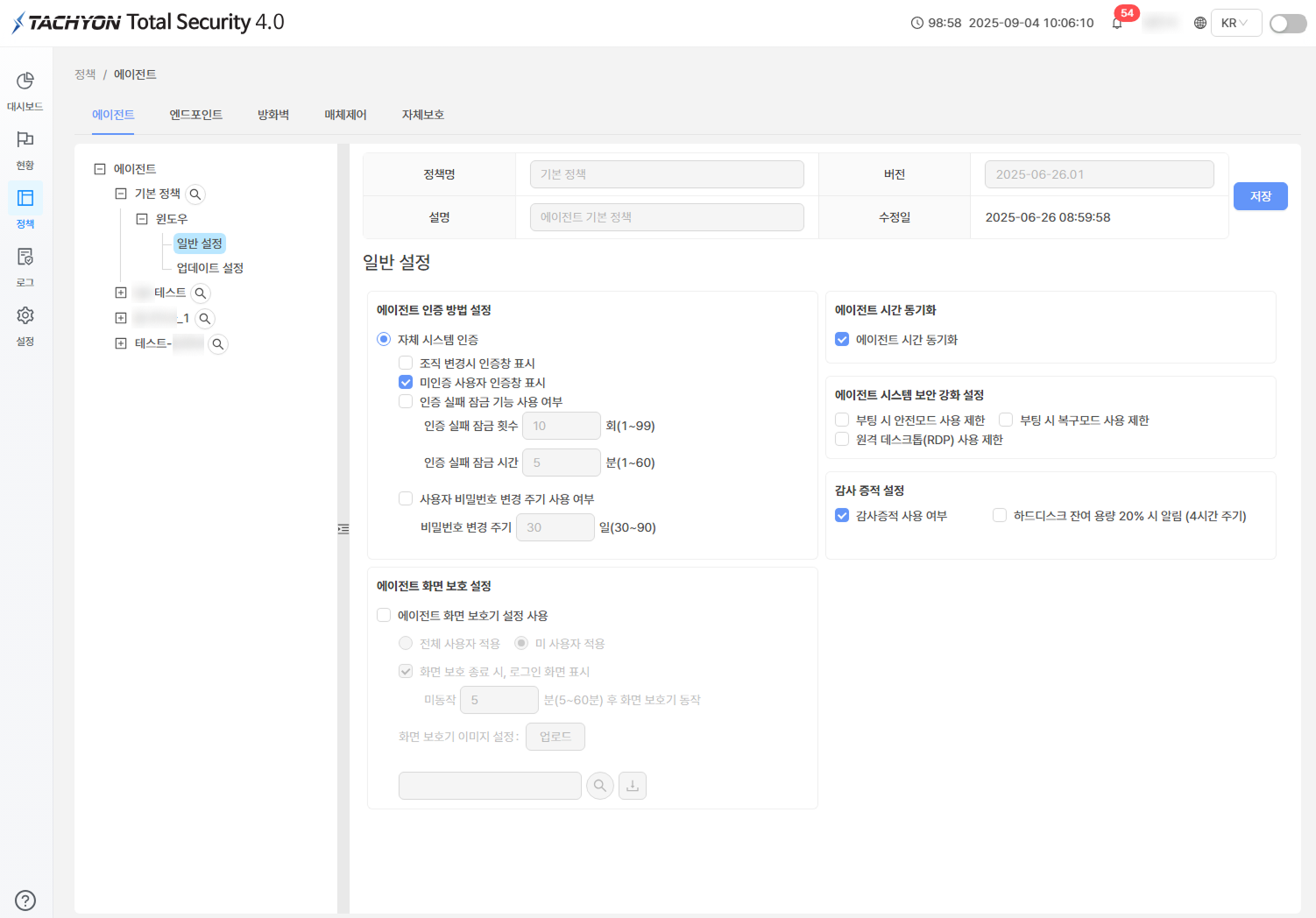
Policy management
Provides systematic policy management functions by group, user, and PC depending on the organizational environment within the company.
Update
Real-time, regular and emergency pattern/product update function
Periodic pattern/product update function through reservation settings
Automatic/manual update function
Load balancing function
Load balancing function that automatically distributes traffic according to server resource usage
Key Benefits
Key Benefits
Maximization of usability
Maximize the convenience of management functions by controlling various PCs and servers within the company and quickly applying endpoint security policies.
Authentication
Grade 1 in GS certification
Enhanced endpoint environment security
Prevent access to threats in advance through endpoint security policies within the central management console
System Requirements
System Requirements
Usage environment (server environment) - Operating system
Windows Server 2008 (64bit)
Windows Server 2008 R2 (64bit)
Windows Server 2012 (64bit)
Windows Server 2012 R2 (64bit)
Windows Server 2016 (64bit)
Windows Server 2019 (64bit)
CentOS 6.9
CentOS 7.5
Usage environment (server environment) - Hardware
CPU Intel(R) QuadCore CPU 3.0GHz or higher
RAM 8GB or more
HDD 400GB or higher
One or more Network Interfaces
Use environment (user environment) - Operating system
Windows 7 SP1 (32bit, 64bit)
Windows 8.0 (32bit, 64bit)
Windows 8.1 (32bit, 64bit)
Windows 10 (32bit, 64bit)
Use environment (user environment) - Hardware
Pentium 4 3.8Ghz or higher
RAM 2GB or more
HDD free space of 20GB or more
Usage environment (web console)
Latest version of Google Chrome
Korean, English support
Usage guide
This product is a licensed product purchased for the required number of computers or servers.
The period of use for this product is 1 year, and you can receive the latest engine updates, upgrades, and technical support services. There is.
※ TACHYON This is general information about the operating system supported by the product, and detailed versions are provided separately.
Notes
Notes
1PC-1vaccine is recommended for stable operation of the user's PC.
Be sure to uninstall other anti-virus programs before installing the TACHYON product.
This product must be used by installing an agent on a computer or server.
If you install TACHYON products together with other anti-virus programs, they may not operate properly.